
How do I update the firmware of a snake camera?
Leave a message

Hey there! As a snake camera supplier, I often get asked about how to update the firmware of these nifty devices. Firmware updates are super important as they can enhance the performance, add new features, and fix any bugs in your snake camera. So, let's dive right into the process of updating the firmware of a snake camera.
Why Update the Firmware?
Before we get into the how - to, let's talk about why you should even bother updating the firmware. Firstly, new firmware versions usually come with improved stability. You know how annoying it is when your camera freezes or has glitches? A firmware update can often sort that out.
Secondly, manufacturers are constantly innovating. They might add new features like better image quality, enhanced night vision, or more user - friendly interfaces. By updating the firmware, you can take advantage of these improvements.
Lastly, security is a big deal. Just like your phone or computer, snake cameras can be vulnerable to security threats. Firmware updates can patch up any security holes, keeping your device and your data safe.
Step 1: Check the Manufacturer's Website
The first thing you need to do is head over to the manufacturer's website. Most snake camera manufacturers have a dedicated support section where they list all the available firmware updates for their products. Look for a link that says something like "Downloads" or "Firmware Updates".
Here, you'll need to find the specific model of your snake camera. Make sure you double - check the model number, as using the wrong firmware can cause serious problems for your device. Once you've found the correct firmware update for your camera, download it to your computer.
Step 2: Prepare the Storage Device
You'll usually need a USB flash drive to transfer the firmware to your snake camera. First, format the USB drive to ensure it's clean and free of any errors. Most snake cameras support FAT32 formatting, so choose that option when formatting the drive.
After formatting, create a new folder on the USB drive. You can name it something like "FirmwareUpdate" to keep things organized. Then, copy the firmware file you downloaded from the manufacturer's website into this folder.
Step 3: Update the Snake Camera
Now it's time to update the camera. First, turn off your snake camera. Then, insert the USB flash drive into the camera's USB port. Make sure it's inserted properly; a loose connection can cause the update to fail.

Next, turn on the snake camera. It should detect the firmware update on the USB drive automatically. Follow the on - screen prompts to start the update process. This might take a few minutes, so be patient and don't turn off the camera or remove the USB drive during the update.
Once the update is complete, the camera will usually restart on its own. Check to make sure the update was successful by going through the camera's settings and looking for any new features or improvements.
Step 4: Troubleshooting
Sometimes, things don't go as smoothly as we'd like. If the camera doesn't detect the firmware update, double - check that the USB drive is formatted correctly and that the firmware file is in the right folder. You might also try using a different USB drive.
If the update fails during the process, it could be due to a power issue. Make sure your camera is fully charged or connected to a power source. You can also try restarting the camera and repeating the update process.
Our Snake Camera Range
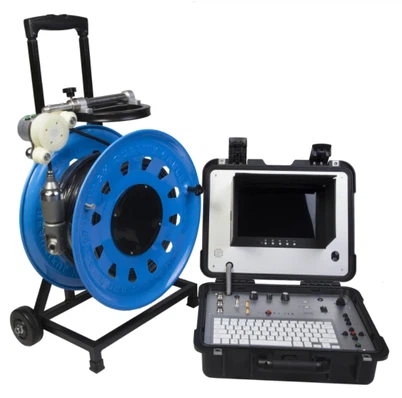
As a snake camera supplier, we offer a wide range of high - quality cameras for different needs. For example, our HD Underwater Pipe Inspection Camera is perfect for inspecting pipes underwater. It has a high - definition camera that can capture clear images even in low - light conditions.
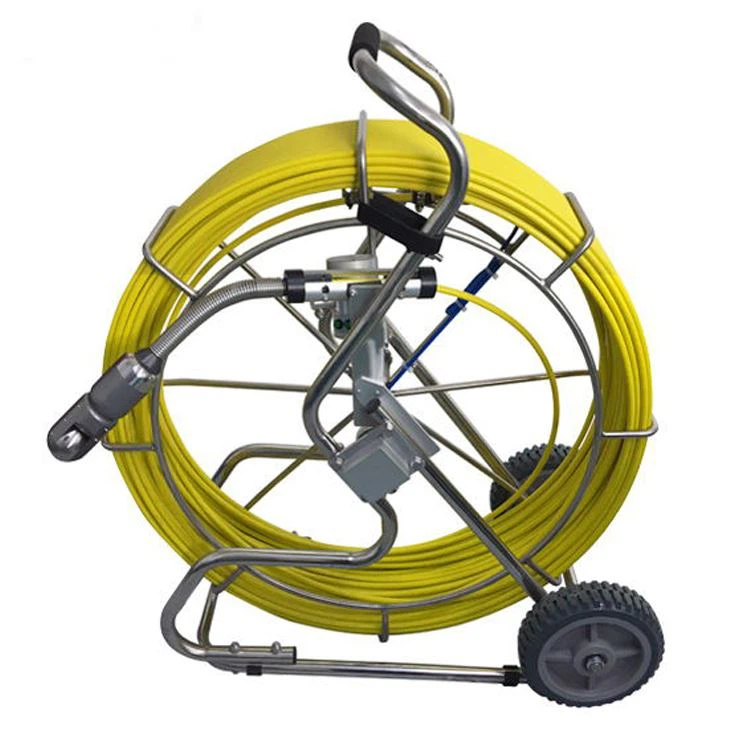
If you need a camera with more flexibility, our 360 degree rotating AHD pipe sewer inspection camera is a great choice. The 360 - degree rotation allows you to get a complete view of the inside of the pipes.
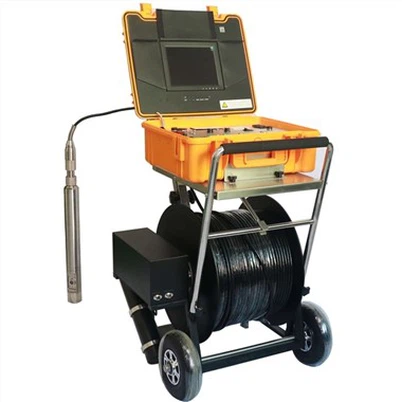
And for those who need to inspect long pipes, our 50m With Automatic Self - leveling 512HZ Transmitter 7 - inch DVR Sewer Pipe Inspection Drainage Pipe Detection Camera is ideal. The 50 - meter cable gives you plenty of reach, and the automatic self - leveling feature ensures that the camera stays in the right position.
Contact Us for Purchasing
If you're interested in any of our snake cameras or have questions about firmware updates or anything else related to our products, don't hesitate to get in touch. We're here to help you find the right camera for your needs and ensure that you can use it to its full potential. Whether you're a professional plumber, a DIY enthusiast, or someone in need of pipe inspection for your home or business, we've got you covered.
References
- General knowledge about snake camera technology and firmware updates from industry experience.
- Manufacturer's guides and support documentation for snake cameras.