
How to use H.265 in ONVIF for vehicle - mounted surveillance?
Leave a message

Hey there! As an ONVIF H.265 supplier, I'm super excited to share with you how to use H.265 in ONVIF for vehicle - mounted surveillance. It's a hot topic in the industry, and I've got some practical tips and insights that I think you'll find really useful.
Understanding H.265 and ONVIF
First things first, let's quickly go over what H.265 and ONVIF are. H.265, also known as High Efficiency Video Coding (HEVC), is a video compression standard. It's a big step up from its predecessor, H.264. With H.265, you can get the same video quality as H.264 but use up to 50% less bandwidth. That's a huge deal, especially for vehicle - mounted surveillance where bandwidth can be limited.
ONVIF, on the other hand, is an open industry standard that allows different network video products to communicate with each other. It's like a common language for cameras, recorders, and other surveillance devices. When you combine H.265 with ONVIF, you can create a more efficient and interoperable vehicle - mounted surveillance system.
Why Use H.265 in ONVIF for Vehicle - Mounted Surveillance
There are several reasons why using H.265 in ONVIF for vehicle - mounted surveillance is a great idea.
Bandwidth Savings
As I mentioned earlier, H.265 can significantly reduce bandwidth usage. In a vehicle, the available network bandwidth is often limited, especially when the vehicle is moving through areas with poor network coverage. By using H.265, you can transmit high - quality video without overloading the network. This means you can have more cameras on the vehicle or send video over longer distances without any issues.
Storage Efficiency
H.265 also helps with storage. Since the video files are smaller, you can store more footage on the same amount of storage space. This is crucial for vehicle - mounted surveillance, where you need to keep a large amount of video data for security and compliance reasons.
Interoperability
With ONVIF, you can easily integrate different H.265 - enabled devices into your vehicle - mounted surveillance system. Whether it's cameras from different manufacturers or recording devices, ONVIF ensures that they can all work together seamlessly.
How to Implement H.265 in ONVIF for Vehicle - Mounted Surveillance
Step 1: Choose H.265 - Enabled Cameras
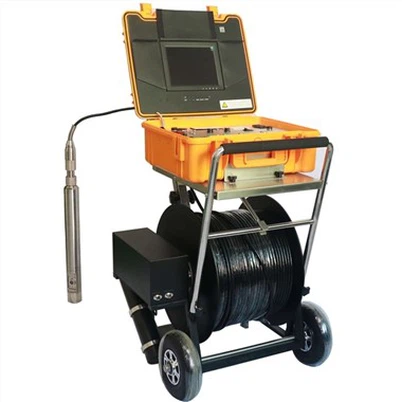
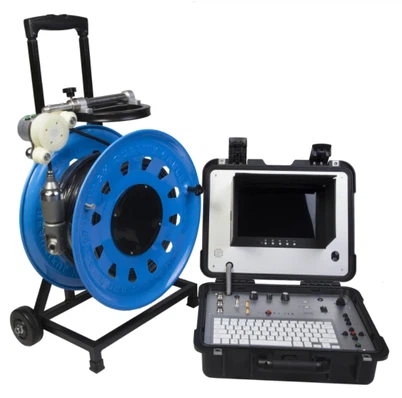
The first step is to select cameras that support H.265 encoding. There are many options available on the market, and you need to choose the ones that meet your specific requirements. Look for cameras with good video quality, wide - angle lenses, and low - light performance, as these are important for vehicle - mounted surveillance. For example, you might be interested in the Borehole Water Well Camera, which offers high - quality imaging capabilities.
Step 2: Configure the Cameras
Once you have the cameras, you need to configure them to use H.265 encoding. This usually involves accessing the camera's web interface and changing the video encoding settings. Make sure to set the appropriate bitrate and resolution based on your network bandwidth and storage capacity.
Step 3: Enable ONVIF on the Cameras
Next, you need to enable the ONVIF protocol on the cameras. This allows the cameras to communicate with other ONVIF - compliant devices in the system. In the camera's settings, look for the ONVIF option and enable it. You may also need to set a username and password for ONVIF access.
Step 4: Connect to an ONVIF - Compliant Recording Device
You'll need an ONVIF - compliant recording device, such as a network video recorder (NVR), to store the video footage. Connect the cameras to the NVR using Ethernet cables. The NVR should automatically detect the cameras if they are ONVIF - enabled. You can then configure the NVR to record the video in H.265 format.


Step 5: Test the System
After setting up all the devices, it's time to test the system. Check if the cameras are sending video to the NVR correctly and if the video quality is satisfactory. You can also test the ONVIF interoperability by using an ONVIF device manager to discover and manage all the devices in the system.
Troubleshooting
Of course, things don't always go smoothly, and you might encounter some issues when implementing H.265 in ONVIF for vehicle - mounted surveillance. Here are some common problems and how to solve them.
Bandwidth Issues
If you're experiencing bandwidth problems, try reducing the bitrate of the H.265 encoding. You can also check your network connection to make sure there are no bottlenecks. Another option is to use a more efficient network topology, such as a wired network instead of Wi - Fi.
Compatibility Issues
Sometimes, you might run into compatibility issues between different ONVIF - compliant devices. Make sure all the devices are using the latest firmware updates. You can also try resetting the ONVIF settings on the devices and re - establishing the connection.
Conclusion
Using H.265 in ONVIF for vehicle - mounted surveillance is a smart move that can bring many benefits, including bandwidth savings, storage efficiency, and interoperability. By following the steps I've outlined above, you can set up a reliable and efficient vehicle - mounted surveillance system.
If you're interested in learning more about our ONVIF H.265 products or have any questions about implementing H.265 in your vehicle - mounted surveillance system, don't hesitate to contact us for a purchase negotiation. We're here to help you make the most of this technology and ensure your surveillance needs are met.
References
- "High Efficiency Video Coding (HEVC) - Overview", International Telecommunication Union.
- "ONVIF Specification", Open Network Video Interface Forum.